
A first-class terminal and CLI interface for autonomous agents.
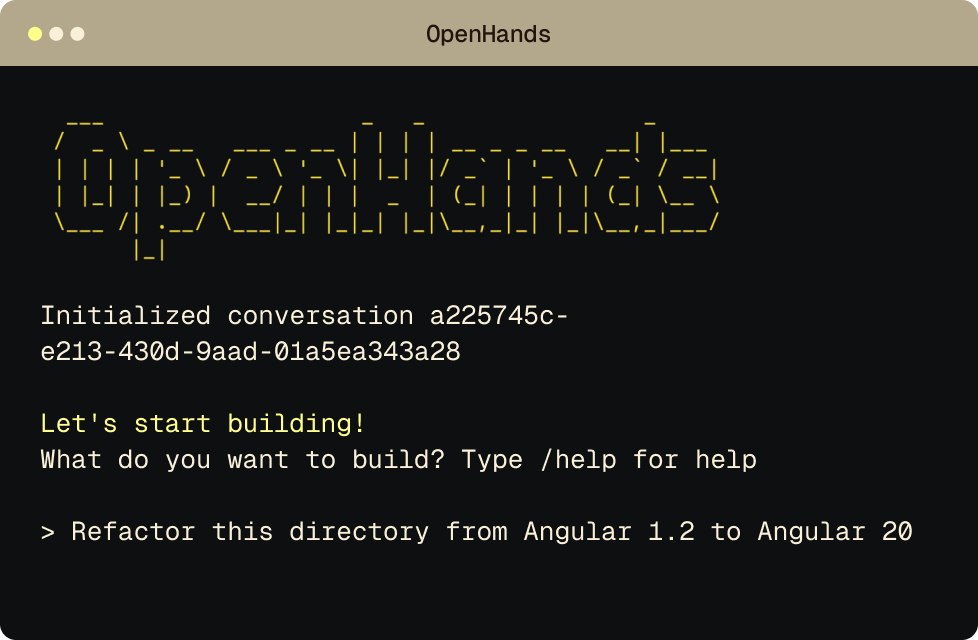
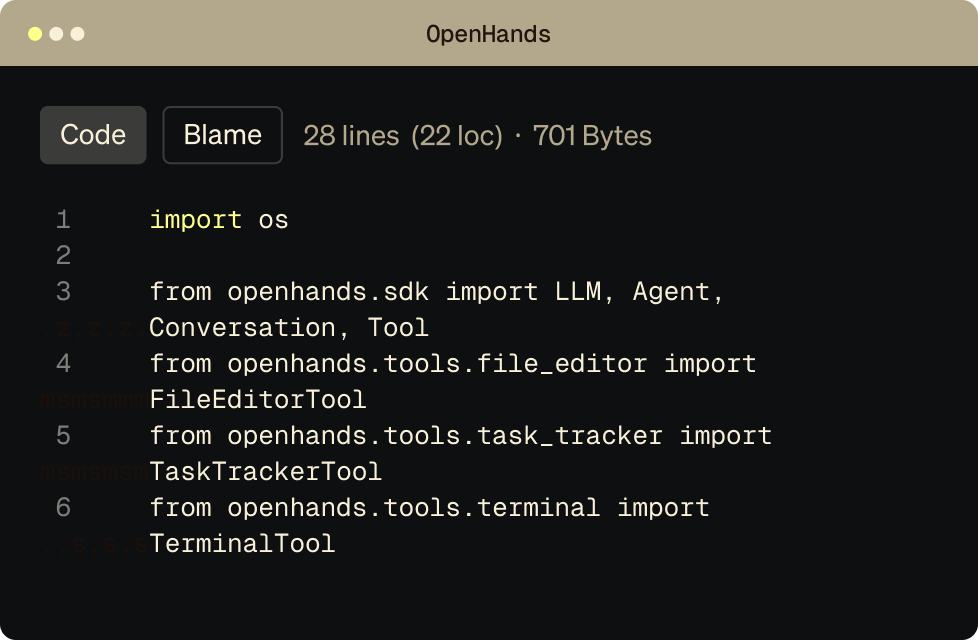
The OpenHands Terminal / CLI gives developers direct, low-latency control over cloud-based coding agents. Use it interactively from your terminal or run it headlessly from CI, cron jobs, or internal systems.
Same agent. Same runtime. Two modes of control.
_1.svg)
Real autonomy needs observability and repeatability.
IDE assistants are fine for small edits. Real agentic work requires visibility into what ran, where it ran, and what changed. OpenHands’ Terminal / CLI lets you see exactly what the agent did, inspect outputs, and re-run tasks deterministically.
No babysitting. No abstraction leaks.
| Feature | OpenHands | Devin | Claude Code | Factory |
|---|---|---|---|---|
| Open-source | ||||
| Model-agnostic | ||||
| Sandbox runtime | ||||
| Self-hosted | ||||
| Coding Agent SDK |


FAQ's
The OpenHands CLI is built for developers who want to delegate real tasks to agents without leaving their terminal, from refactoring code to running multi-step workflows.
The CLI enables developers to delegate repetitive or complex tasks to AI agents while staying in their existing workflow. This reduces context switching and allows faster iteration directly from the command line.
Yes. The OpenHands CLI integrates with standard developer tools, environments, and workflows, making it easy to adopt without changing your existing setup.
Yes. The CLI is designed for experienced developers who want fine-grained control over agent behavior, task execution, and system-level operations across their codebase.
OpenHands can be deployed in cloud or self-hosted environments, allowing teams to run the CLI in secure, isolated setups depending on their infrastructure requirements.
Run OpenHands from the terminal or automate it end to end with the CLI.



